6 Steps to Getting the Most Out of Your Flaunter Trial
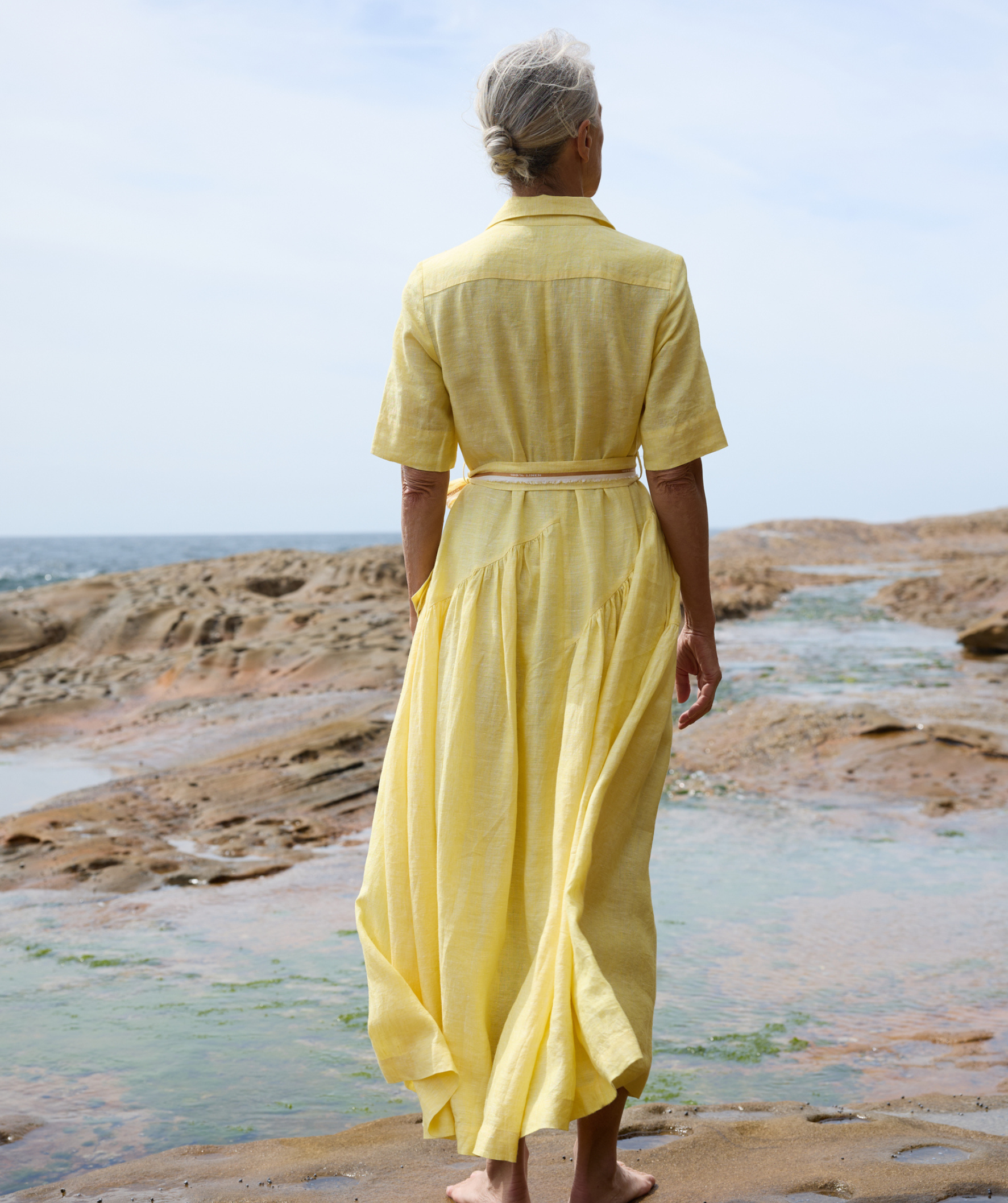
Image from Brigid McLaughlin via Flaunter
Because the First Two Weeks Is Just the Beginning…
We’ll be the first to say it: we love our platform. Flaunter has become Australia’s most-loved PR software for fashion, lifestyle, beauty and home brands — the digital PR assistant teams rely on, the all‑in‑one PR software they rave about, the place media go every day to discover new products.
But, just like everything in life (sadly), there’s no magic potion.
Flaunter will streamline your workflow, help you look polished and professional, and open doors to journalists, stylists and creators… but it still needs a little something from you. Think of it as a relationship: we’ll do the heavy lifting, but traction doesn’t miraculously appear in 48 hours, and we can’t teleport you onto the front page of Vogue by the end of Week 2.
It’s kind of like a gym trial — the magic only happens if you actually show up. The best trials work when you put in the effort, use the tools properly, and give yourself the chance to really see what a platform can do for your brand. The worst trials? The ones that sit untouched until the “your trial is ending!” email lands in your inbox (we’ve all been there).
So what can happen in two weeks?
A lot — if you set yourself up from Day 1. You can organise your imagery, build your Digital Press Centre, showcase your samples in your Showroom, get in front of hundreds of media contacts, and start building the foundations of real media relationships.
The two‑week trial isn’t about overnight fame (if only!). It’s about building momentum early, using the right PR tools, and giving your brand a strong, professional presence on a platform media already trust.
Here are the steps to setting up your Flaunter profile so you’re sitting pretty from Day 1…
Step 1: Get your ‘About’ page in order
Before you start uploading albums, samples, or sharing links like a PR ninja start with the basics. Your ‘About’ page is the beating heart of your Flaunter profile. It’s the first thing media see, the place they form their first impression, and honestly… it’s one of the biggest missed opportunities we see during trials.
If there’s one thing you should do on Day 1? Make your About page shine.
Add a brand video
Nothing tells your story faster (or more beautifully) than a quick brand video. This is your chance to show instead of tell — to give media, creators and stylists a feel for your vibe, your aesthetic, your values and your brand world.
No video? An iPhone montage is still better than nothing. Promise.
Write a detailed bio
This isn’t the place to be vague or mysterious. Think of it as your brand’s dating profile. Media want the full story, not vague hints and poetic riddles.
Cover the essentials:
Who you are
What you create
Where you’re based
When it all began
How your brand came to life
And most importantly, why
Your why is what journalists, stylists and creators latch onto. It helps them shape story angles, understand your purpose, and remember you when an opportunity comes up. This is where great brand communication starts.
Step 2: Upload your brand imagery
Once your profile is looking sharp, it’s time for the fun part — imagery. The very best Flaunter profiles (aka the ones media bookmark, revisit and download from) rely on Flaunter as their primary image hub.
Translation: it’s time to get uploading.
But don’t panic, this isn’t a complicated, 47‑step process. It’s a snap.
Your Digital Press Centre
This is where your high‑res beauty lives. To build your Digital Press Centre, upload your strongest images and organise them into clean, logical albums. Include a good mix of campaign shots, lifestyle photography and flat‑lays/deep‑etch images so media can grab exactly what they need — the polished hero, the “how it looks IRL,” and the practical product close‑ups.
And if you’re unsure what editors actually gravitate toward, we’ve unpacked the exact image types that consistently perform best in a deep dive on the imagery media love (and why they love it). We’ve also created a separate breakdown on resolution, file formats and technical must‑haves — ideal if you’ve ever found yourself spiralling over whether your “hi‑res” is actually hi‑res. Between those two guides, you’ll never be left guessing what to upload.
Our top tip is to think of your albums the same way you think about categories on your online store:
mens
womens
childrens
campaign
seasons
collections
Or however your brand naturally groups things. There’s no single “right way” . It’s just about creating a clean, easy to navigate, intuitive space where journalists, editors, stylists and creators can find everything instantly.
Step 3: Set up your Showroom
Your Digital Press Centre is for imagery.
Your Showroom, on the other hand, is your sample universe — the place media browse, request and track samples.
This is where Flaunter doubles as your sample management software, helping you ditch the spreadsheets, avoid the mystery “where did that sample go?” moments, and keep everything in one place. And the best part? Your Showroom doesn’t need editorial‑level photography. Clear, identifiable iPhone pics are totally fine. Here’s the golden rule:
One image = one sample.
If a dress comes in three sizes, upload (or duplicate) three images, and then name accordingly e.g. “Ruffle Top Size 1”, “Ruffle Top Size 2” and “Ruffle Top Size 3”. Media don’t mind, they just need to see what’s available.
Add sample descriptions (your new best friend)
You can also add a text description to each sample.
Use this field to include:
sample condition notes (brand new, lightly worn, missing belt… you can also get specific here — small tear on the inner lining, faint mark near hem, etc.)
care instructions (dry clean only, gentle wash, handle with care)
fit notes (runs small, oversized, cropped, tall-friendly)
styling suggestions
colour or fabric details
any quirks editors should know before pulling
These notes are also visible to media and creators browsing your Showroom, which means you can guide expectations, reduce back‑and‑forth, and give them everything they need to make informed requests.
Step 4: Invite your team
Everything is better with friends and Flaunter is no exception.
If you’re part of a team, get your people onto the platform early in your trial so everyone can learn the ropes together and you’re not left shoulder‑deep in sample requests alone.
Whether you’re handling PR for a small business, juggling multiple clients, or managing a busy in‑house brand team, Flaunter works best when the whole crew is inside your account. Think of it as bringing everyone into the same room — finally. No more guessing where samples are or whether someone accidentally sent the only size 10 dress on a spontaneous month‑long vacation.
Who to add?
Invite anyone who helps with:
sample management
imagery organisation
PR reporting
media outreach or pitching
brand communication
client updates
In other words, invite the people who keep your internal PR machine running. And one of the best parts about using Flaunter? You can bring as many team members as you like into your account. No awkward seat limits or “pay extra to add three more users”.
You can also choose different access levels depending on their role:
Manager access for those who need oversight of settings, billing and the bigger picture
Admin access for the people in the day-to-day, uploading imagery and managing samples
Read-only access for those who just need visibility. Perfect for an intern who can check inventory and sample notes without changing anything.
Bringing your whole team in means everyone’s working from the same source of truth. Fewer crossed wires, fewer mixed messages — and a whole lot less chaos.
Step 5: Start pitching!!
Once your profile, imagery and Showroom are in shape, it’s time to do what PRs do best — pitch. Flaunter gives you access to an extensive media contact database filled with journalists, editors, stylists and creators across fashion, beauty, lifestyle and home. That means you don’t have to spend hours stalking LinkedIn, digging through outdated spreadsheets or wondering whether someone still works somewhere (the universal PR mystery).
Use this time to browse the media database, explore new opportunities, and start reaching out. Whether you’re sharing your Digital Press Centre, pitching samples from your Showroom, or introducing your brand for the first time, your Flaunter trial is the perfect opportunity to experience what pitching feels like with a real online PR tool supporting you.
Because at the end of the day, Flaunter can streamline, support, and organise, but pitching is still the human part. Your two-week trial is a low-pressure way to practise and build confidence using one of the most powerful PR tools in your toolkit.
Step 6: Ask for Feedback
You’ve set up your profile, sorted your imagery, built your Showroom, invited your team and even dipped your toes into pitching. Now for the easiest (but most underused) part of your trial: asking for feedback.
Seriously. Don’t be shy.
If you’re wondering whether your Digital Press Centre is set up well, or if your Showroom makes sense from a media perspective, you can always reach out and simply ask something as straightforward as: “Hey! Any feedback on our Press Centre setup?”
Our team loves this. Truly. Our platform is built for your success — and we want to make sure you’re getting the most out of Flaunter as your digital PR assistant, PR management software, and all‑in‑one PR tool.
If you joined without doing a demo, or you’re just feeling a bit unsure of whether you’re using everything to its full potential, don’t hesitate to reach out to us at hello@flaunter.com. We’re always happy to walk you through a complimentary session so you can hit the ground running.
Haven’t trialled us yet?
It’s time to change that.
Whether you’re doing DIY PR, building PR for your brand, trying to get media coverage for a small business, or simply want the best PR tools to help you stay organised and visible — Flaunter is designed to be your digital PR assistant, your sample management sidekick, your media contact database, and your quiet little PR superpower in the background.
Because PR is hard enough…Your tools shouldn’t make it harder.
Sign up for our 2-week free trial here or reach out to our team at hello@flaunter.com for a complimentary demo call.